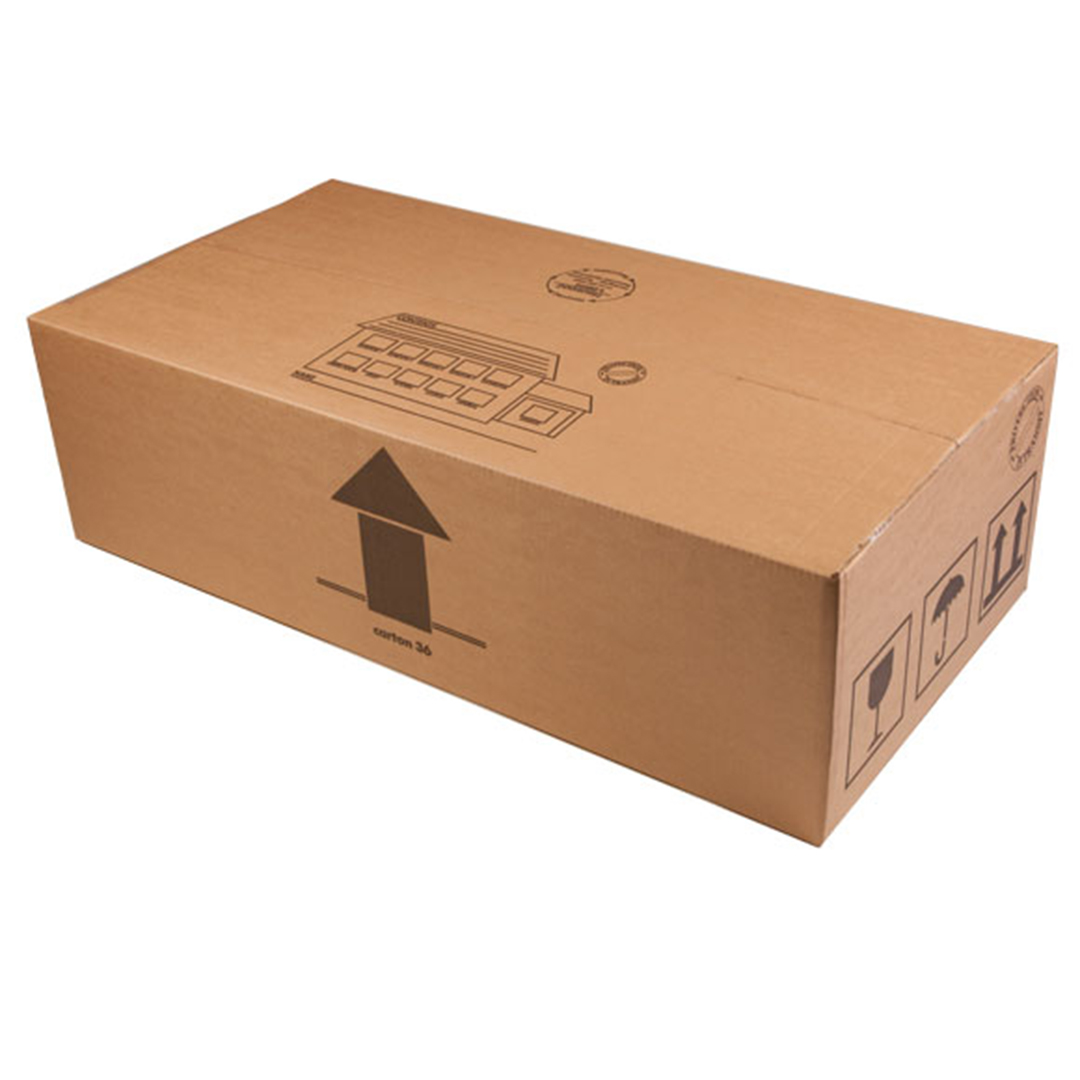


Cardboard Computer Accessory Boxes

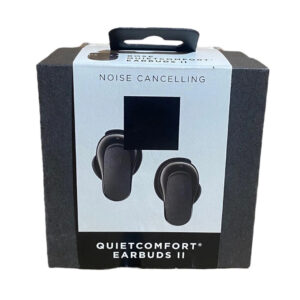
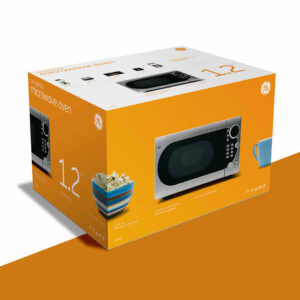
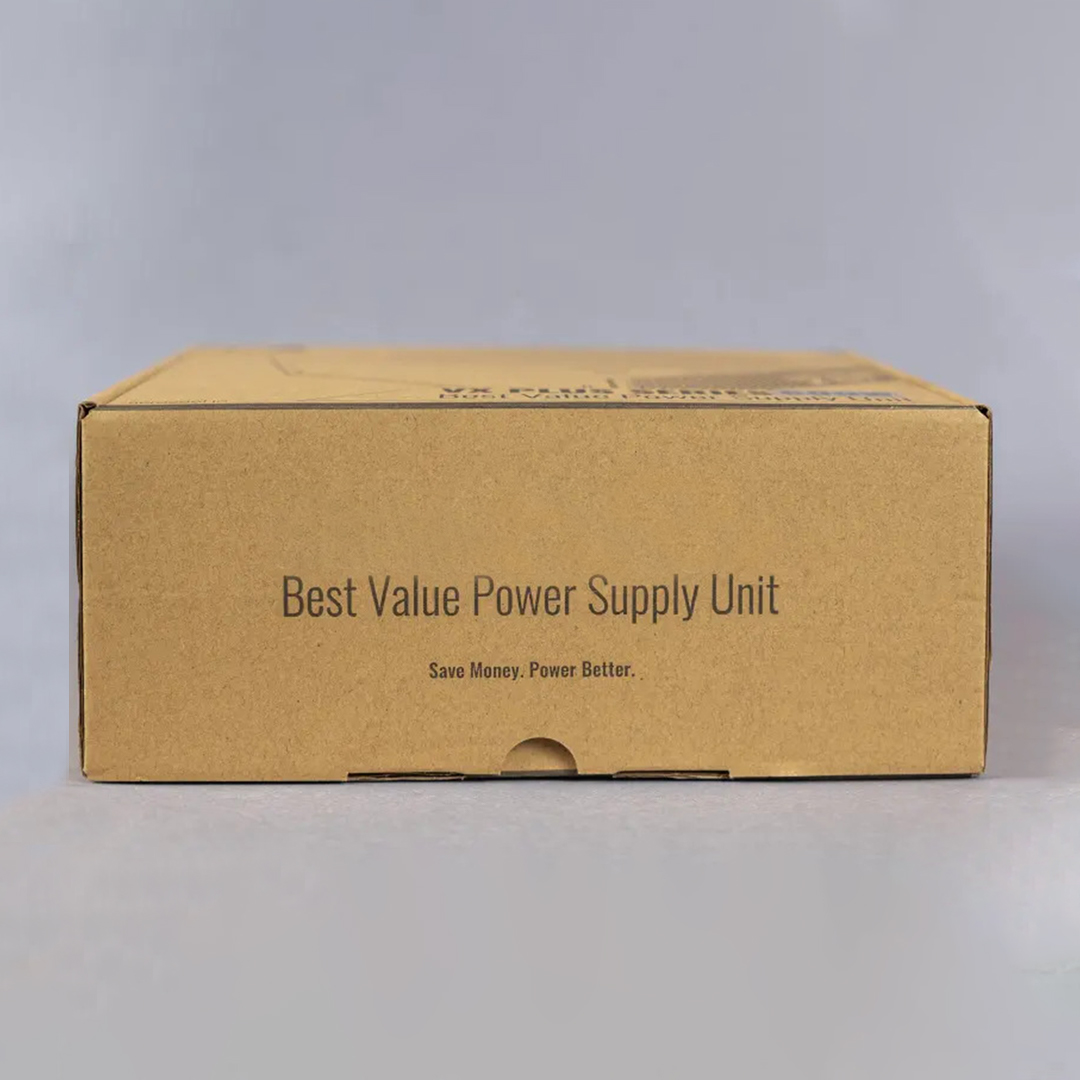
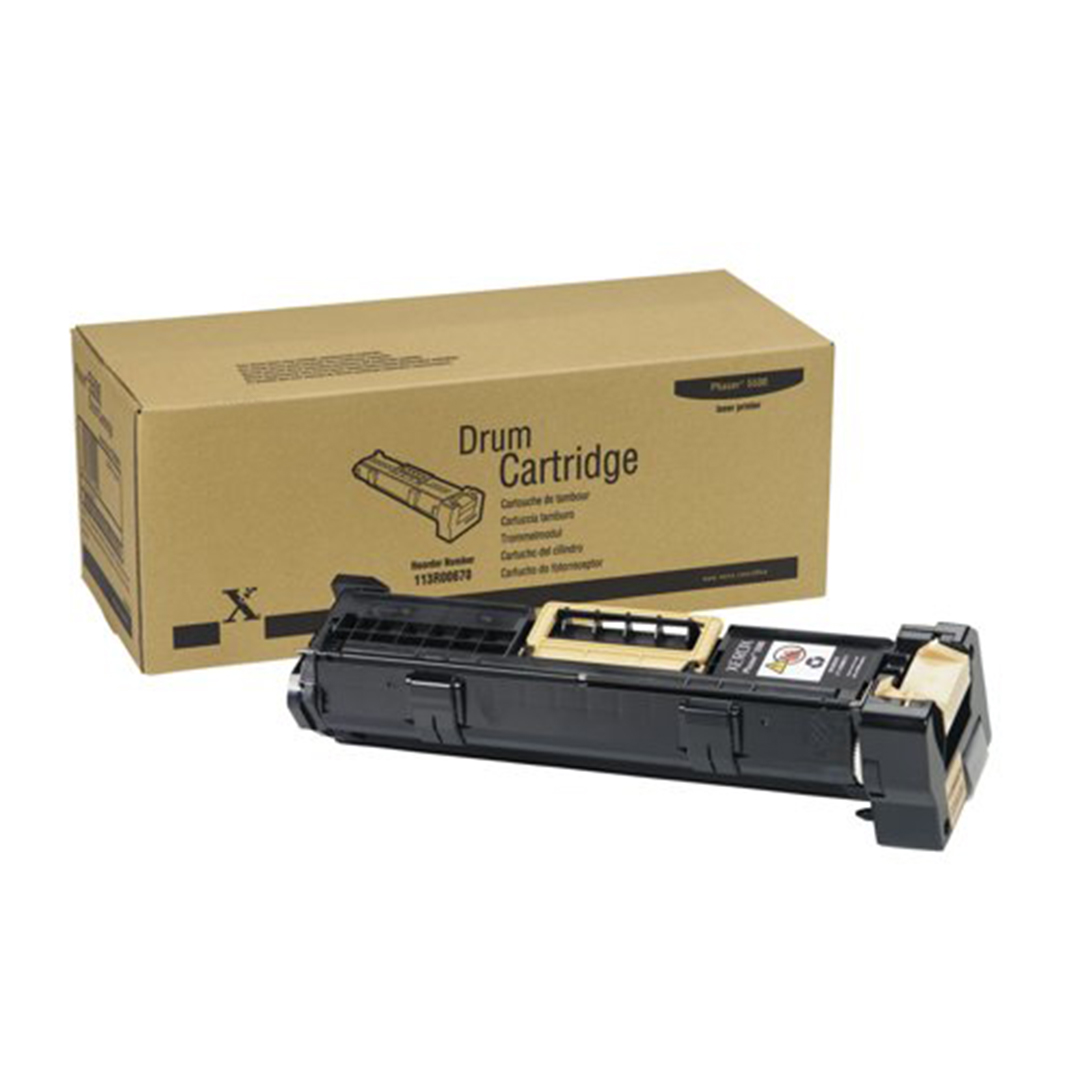
Cardboard Computer Accessory Boxes help you store and ship keyboards, mice, cables, headsets, and adapters in a clean, organized way for office setups, gaming rigs, and refurbished PC bundles, and Shop Cardboard Boxes supplies these cartons in bulk so you can match sizes, finishes, and print styles with your PC Tower shipping Box, Desktop computer Packing box, Gaming PC shipping box, FedEx computer shipping box, PC cardboard box, and other Computer Boxes across your full computer packaging range.

Description

Cardboard Computer Accessory Boxes For Secure Desktop And Gaming Gear

Cardboard Computer Accessory Boxes help you move and store cables, keyboards, mice, headsets, adapters, and other small tech items with calm, steady control. These cartons line up with a PC Tower shipping Box, Desktop computer Packing box, Gaming PC shipping box, FedEx computer shipping box, PC cardboard box, and other Computer Boxes so both large and small parts stay organized during travel. Strong board walls support inner padding, labels, and barcodes while keeping accessories away from knocks and tangles.

Many computer setups also rely on extra lens and camera gear. Brands that already use Cardboard Camera Lens Boxes often match their accessory cartons to the same layout so shelves look consistent and staff recognize sizes quickly. This shared style helps when teams prepare mixed orders that include monitors, towers, accessories, and imaging gear in one run, with everything packed inside a clear system of cardboard units.

Daily use of cardboard computer accessory packaging

In offices and gaming spaces, loose cables and adapters can easily clutter desks and drawers. Cardboard Computer Accessory Boxes give each item group a stable home, whether you are storing HDMI cables, USB hubs, or power cords. When cartons carry clear print and small icons, staff can find what they need in seconds instead of digging through crowded containers.

Tech shops and online sellers rely on these boxes during daily picking and shipping. Smaller items move from bulk storage into fitted inner cartons before they go into outer shipping cases, keeping sets complete and reducing the chance that a cable, dongle, or mouse pad goes missing in transit. Over time, the same cartons can later support training setups or Cardboard camera lens boxes diy projects around tech care and cable management.

Computer accessory storage and handling

  • Cardboard walls shield accessories from direct impact and pressure from heavier items
  • Flat tops and square edges stack neatly on warehouse racks and retail shelves
  • Neutral inner surfaces make it easier to place foam pads, dividers, or wraps where needed
  • Printed sides help staff match each box to the correct device series or bundle type
  • Reused cartons support classroom projects about PC care, packing, and safe shipping

Packing computer accessories in cardboard boxes

  1. Sort accessories by device type so each carton holds a clear, labeled group
  2. Coil cables loosely and secure them with soft ties before placing them in the box
  3. Add light padding or dividers so plugs, chargers, and adapters do not grind together
  4. Close flaps firmly and apply tape along key seams to protect against rough handling
  5. Mark outer faces with device names, bundle codes, and quantity counts for quick checks
Accessory group Recommended box style Inner support idea Main usage scene Extra handling note
Keyboards Long shallow format Side pads and top sheet Office upgrades and full PC bundles Keep flat to avoid key pressure
Mice and small devices Compact multi cavity format Card or foam dividers Retail packs and online single orders Separate sharp connectors where possible
Cables and adapters Medium depth format Coiled bundles with pads Network, AV, and desktop accessory kits Avoid overly tight cable coils
Headsets and audio Taller protective format Shaped cradle or soft wrap Gaming PC shipping box bundles Support headband areas and mic booms
Mixed small parts Sectioned insert format Grid style compartments Repair kits and field technician sets Mark each compartment clearly for restocks

Cardboard computer accessory boxes wholesale uses in storage and distribution

Cardboard computer accessory boxes wholesale supply helps tech brands, refurbishers, and online sellers keep stock movement steady throughout the year. When cartons arrive in bulk, teams can move straight into packing without waiting for short runs or mismatched sizes. Many planners match their packaging with ranges such as Cardboard Boxes By Functionality so accessory boxes, tower cartons, and monitor packs all follow the same logic by use case rather than random shapes.

This shared layout matters when you build mixed pallets or large retail shipments. Pack teams learn how many accessory cartons sit beside a Desktop computer Packing box or PC Tower shipping Box in one master shipper. By repeating these patterns, they save planning time, keep pallets balanced, and reduce void space inside larger outer cartons. Over multiple seasons, this consistency supports better freight costs and fewer damage claims.

Reasons teams rely on cardboard computer accessory packaging

Professional IT crews and system integrators move large sets of small items every week. Cardboard Computer Accessory Boxes give them a clear way to group parts per desk, per system, or per project. Labels show which items belong with each tower, monitor, or gaming build, and the board structure keeps contents under control during vehicle trips and shelf storage.

Customer facing brands also depend on good accessory presentation. A neat inner carton shows care and order before the user even plugs in a mouse or headset. By aligning accessory box design with tower and monitor packaging, brands create a smooth unboxing path from PC Tower shipping Box to the smallest dongle.

Wholesale computer accessory box planning

  • Choose a few standard footprints that align with tower and monitor cartons
  • Keep one line of cartons for single accessories and another for multi item bundles
  • Reserve at least one inner panel space for country specific compliance notes
  • Plan icon sets that repeat across all tech boxes to show quick accessory type cues
  • Record how many cartons fit in each master shipper to streamline large orders

Setting up a wholesale computer accessory program

  1. Map all accessories that need their own cartons, from cables to large peripherals
  2. Group them by size and weight so you can pick shared footprints where possible
  3. Decide which items ship in single units and which ship as part of larger kits
  4. Work out standard inner padding options for each group, such as dividers or wraps
  5. Run small trial batches, send them through normal couriers, and collect feedback before scaling
Size group Outer box footprint Insert approach Common order pattern Stock control note
Compact item series Small footprint Simple slots or small cavities High repeat orders for cables and dongles Easy to count in narrow shelf rows
Medium item series Medium footprint Board cradle with end pads Office accessory kits and upgrade packs Works in layered master cartons
Large accessory series Wide or tall footprint Full wrap or shaped cradle Gaming headsets and premium keyboard sets Mark fragile zones clearly for handlers
Mixed support kits Flexible footprint group Adjustable dividers and wraps Field tech and repair bundles Label by kit type and device family
Limited promo runs Custom footprint Foam lining and stiff pads Short run themed Gaming PC shipping box sets Record sizes for future campaigns

Desktop computer shipping Boxes with foam for towers and accessories

Desktop computer shipping Boxes with foam work closely with Cardboard Computer Accessory Boxes to protect both the main device and its smaller parts. Towers, monitors, and accessories often travel together, and when each piece has a fitted space in board and foam, the whole shipment stays stable over long routes. A PC cardboard box with clear inserts reduces sliding, rubbing, and pressure points that could harm ports or panels.

For system builders, this combination matters when sending full setups to offices, events, or gaming customers. The tower may sit in a shaped cavity while the Cardboard Computer Accessory Boxes hold keyboard, mouse, cables, and extras in separate sections. Clear printed panels help recipients unpack step by step, while the carton layout makes repacking easier when devices need to travel again.

How to prepare a Desktop computer Packing box for safe transport

Many users search how to set up a Desktop computer Packing box or FedEx computer shipping box without missing anything. The key is to break the process into stages and treat accessories as their own group. When every cable and peripheral has a marked carton, towers and monitors have more room for foam and corner blocks.

This same approach applies to both office deployments and high end builds. A Gaming PC shipping box may include extra cooling gear, controller docks, or stands; these items gain stability and clarity when they travel in labeled accessory cartons instead of loose in the main cavity.

Packing desktop computers and accessories

  • Power down the system fully and disconnect all cables from the PC tower and monitor
  • Wrap the tower in a soft inner layer before placing it into a PC cardboard box
  • Use foam blocks or corner guards to hold the tower away from carton edges
  • Place Cardboard Computer Accessory Boxes in side sections or on top as directed by the inner layout
  • Add a clear checklist inside the master carton so the recipient can confirm every item on arrival

Organizing a Gaming PC shipping box

  1. List every part of the build, including small dongles, antennas, and stands
  2. Assign each group of accessories to its own clearly marked Cardboard Computer Accessory Boxes unit
  3. Secure moving parts such as GPU support brackets or drive trays inside the tower before packing
  4. Place the tower in a Desktop computer Packing box with foam that suits its height and depth
  5. Arrange accessory cartons, manuals, and extra pieces around the tower in a balanced way and close the carton with strong tape along all seams
Item set Main carton style Inner support approach Typical route Notes for courier handling
Office desktop kits Standard tower shipper Foam blocks plus accessory box Regional delivery to companies and schools Mark side with “This way up” arrows
Gaming desktop kits Reinforced Gaming PC shipping box Shaped inserts and side cartons National or international gaming shipments Highlight fragile zones on all outer faces
Compact PC and monitor Combined device shipper Dual cavity with accessory area Home office and small business deliveries Indicate which side holds the screen
Refurbished systems Reused PC cardboard box with new inserts Mixed pads and fresh cartons Marketplace and re sale orders Note refurbished status clearly on label
Lab and training sets Multi system master carton Row based inner compartments Bulk delivery to labs and training centers Keep set numbers visible on outer panels

Sustainable storage and reuse ideas for computer accessory cartons

Cardboard Computer Accessory Boxes also support sustainability efforts in offices, schools, and tech warehouses. Many teams plan reuse and recycling steps through  Cardboard Packaging Boxes so their cardboard choices stay aligned as shipments move from first use into long term storage and, eventually, responsible disposal.

Before that final stage, most cartons see several lives. Boxes that arrive with new keyboards, mice, or hubs can later store spare cables, test devices, or demo gear on shelves. In classrooms and training labs, empty cartons hold practice kits that teach how to prepare a Desktop computer Packing box or how to arrange a FedEx computer shipping box without loose items.

Reusing computer accessory cartons in offices schools and homes

IT departments often assign each workstation a set of labeled cartons. One holds extra cables, another holds backup mice and keyboards, and a third might hold stands or adapters. This simple method keeps drawers from filling with unmarked piles of parts and speeds up support work during busy periods.

At home, families reuse boxes to separate console cables, charging cords, and computer spares. Hobby users who enjoy Cardboard camera lens boxes diy style projects may cut windows or sections into old cartons to build organizers, charging stations, or small storage racks near their desks.

Reuse planning with computer cartons

  • Keep only clean, undamaged cartons for storage or future shipping tasks
  • Flatten unused boxes and stack them by size so they are easy to access later
  • Mark sides clearly when boxes switch from shipping use to long term storage roles
  • Use different marker colors or stickers for office, lab, and home categories
  • Share reuse ideas with staff so more boxes gain extra life before recycling
Reuse idea Who benefits most Main advantage Extra note Typical life after first shipment
Long term accessory storage Offices and IT teams Keeps small tech parts sorted and ready Label by device type and desk zone Many years if stored in dry conditions
Training and demo kits Schools and training labs Organizes hands on packing and safety tasks Supports Desktop computer Packing box drills Several course cycles
Home cable and gadget storage Families and home users Reduces clutter in drawers and TV areas Group by room or device Varies with household tech changes
Resale and returns packaging Refurbishers and resellers Protects items during second or third trips Add fresh tape and clear updated labels At least one or two more shipping cycles
Feature Details Material options Finishing choices Add ons and usage
Product name Cardboard Computer Accessory Boxes for PC and gaming gear Corrugated cardboard, solid board Gloss, Matte, Spot UV Holds mice, keyboards, hubs, cables, headsets, and adapters
Compatible outer cartons Matches PC Tower shipping Box and Desktop computer Packing box Single wall and double wall grades Plain or printed surface Used inside Gaming PC shipping box and FedEx computer shipping box setups
Internal support options Dividers, cradles, pads, cable compartments Board inserts, foam pads, paper wraps Smooth print ready outer panels Keeps computer accessories from knocking together during transit
Printing and branding Logos, icons, accessory type labels, barcodes CMYK or spot color printing Spot UV on logos or key icons Helps staff pick the right Computer Boxes fast from shelves and pallets
Capacity and sizing Sizes for single items and multi piece accessory kits Custom footprints for compact and large accessories Matt or semi gloss for easy reading Fits headsets, keyboard and mouse bundles, and multi cable kits
Protection and handling Guards against pressure, vibration, and scuffing Reinforced edges and locking flaps Optional moisture resistant outer layer Supports long distance routes with stacked loads
Order and delivery options Bulk runs for regular shipments and seasonal campaigns Eco mindful board sourced from trusted suppliers Consistent finish across related tech boxes Ideal for system builders, IT teams, refurbishers, and online computer retailers

1. What are Cardboard Computer Accessory Boxes used for

Cardboard Computer Accessory Boxes are used to group and protect PC peripherals such as keyboards, mice, headsets, cables, and small adapters. They keep accessories from rolling around in larger cartons and help staff pick full sets during shipping and deployment. For users, these boxes make unboxing smoother because each device type is stored in a clear, labeled space.

2. How do these boxes work with a PC Tower shipping Box

These cartons sit beside or above a PC Tower shipping Box inside a larger master carton so the tower and accessories travel together. The tower usually rests in a foam lined cavity while accessory cartons occupy the spare zones around it. This layout prevents loose items from pressing against panels or ports and keeps everything easier to repack if the system needs to move again.

3. Can I use them with a Desktop computer Packing box for office deployments

Yes, they match well with any Desktop computer Packing box designed for full system rollouts in offices or labs. IT teams can assign one accessory box per workstation and label it with desk, user, or department details. When cartons arrive on site, staff simply match each accessory box to its tower or compact PC, which cuts down on missing parts and speeds up installation.

4. Are Cardboard Computer Accessory Boxes suitable for a Gaming PC shipping box

These cartons are widely used as part of a Gaming PC shipping box layout for high value builds. One carton can hold the gaming keyboard and mouse set, another the headset and controller, and a third any extra cables or stands. By separating gear into these labeled cartons, builders reduce the chance of scratches and make a stronger first impression when the gamer opens the package.

5. How do these boxes help with FedEx computer shipping box routes

On routes handled in a FedEx computer shipping box or similar carrier system, vibration and stacking pressure are constant concerns. Cardboard Computer Accessory Boxes add structure inside the main shipper and act as buffers around the tower or compact PC. They help hold accessories in place, reduce movement, and keep weight distributed more evenly during sorting, conveyor handling, and vehicle transport.

6. What materials are used for these Computer Boxes

Most designs use corrugated cardboard or strong solid board chosen to match the weight and shape of the accessories. Lighter grades suit cables and simple devices, while denser board supports heavier items like keyboards or compact speakers. This balance provides dependable strength without adding unnecessary shipping weight or bulk.

7. Can these boxes be customized for different PC accessory sets

Yes, the layout can be adjusted to suit single items or full accessory bundles for desktop and gaming users. Inserts may include compartments for mice, cable coils, dongles, and headsets so each piece has its own area inside the box. Printed panels can show bundle names, device icons, and simple checklists that help staff verify every part before the carton leaves the warehouse.

8. How do Cardboard Computer Accessory Boxes improve warehouse organization

In storage areas, these cartons create defined units instead of mixed piles of loose items on shelves. Racks can be arranged by accessory set, device family, or customer profile so pickers know exactly which box to select. Clear labels and consistent footprints also make it easier to count remaining stock and plan future orders with better accuracy.

9. Are these boxes compatible with PC cardboard box systems for refurbished units

They fit neatly into PC cardboard box systems used for refurbishment and re sale programs. Refurbishers can place renewed accessories in fresh cartons and pair them with towers or compact PCs in reused outer shipper boxes. This approach gives both the inside and outside of the package a clean, organized look while still using resources efficiently.

10. How do these cartons help protect fragile connectors and ports

Accessories with plugs, dongles, or small antennas are sensitive to bending and crushing during transport. By placing them in their own Cardboard Computer Accessory Boxes, with light padding where required, you shield these points from direct pressure. During transit, the accessories remain tucked inside this smaller shell rather than bouncing freely inside a larger carton.

11. Can I print branding and usage instructions on the boxes

Yes, there is enough surface space to show logos, color bands, and short instruction blocks on the outer faces. You can print quick setup steps, connection diagrams, or safety reminders alongside product names and barcodes. This turns each box into a simple guide that helps users unpack, connect, and store their accessories with more confidence.

12. Are Cardboard Computer Accessory Boxes a good choice for small online sellers

They work well for both large operations and smaller online stores that ship a mix of tech gear. Sellers can select a few standard sizes and use them for many accessory types, which keeps purchasing and storage simpler. Neat inner packing and steady branding can also lead to fewer returns, because buyers see that their items were handled and presented with care.

13. How do these boxes support bulk IT projects and lab rollouts

For large office moves or lab installations, each workstation or bench can receive a pre packed accessory carton. These boxes may include input devices, cables, and any special peripherals needed for that station. On delivery day, teams move quickly by placing one tower and one accessory carton at each location without sorting through mixed supplies or loose items.

14. Are they environmentally friendly and easy to recycle

Because they are made from cardboard, many of these cartons can enter local recycling streams after multiple uses, depending on regional rules. Users simply flatten the empty boxes and place them in the appropriate recycling collection. With smart sizing and careful planning, you reduce excess material and support packaging that balances protection with responsible material use.

15. How can I choose the right size Cardboard Computer Accessory Boxes for my products

Begin by listing the accessories you plan to ship and measuring their footprint when packed with simple padding. Group items into sets and sketch how they should sit inside each carton, leaving room for dividers or wraps where needed. From there, you can select a few standard sizes that cover most use cases, then refine them as you see how they perform in real shipping routes and returns.

Let’s work together

Get in touch today and receive a complimentary consultation.